B2B ACTIVEWEAR BUYER TOOLKIT
Prepare Better Briefs. Review Projects With More Clarity.
Use the MIQI product catalog and practical project checklists to organize product requirements, sample comments, bulk approvals, packaging details and shipment handoffs.
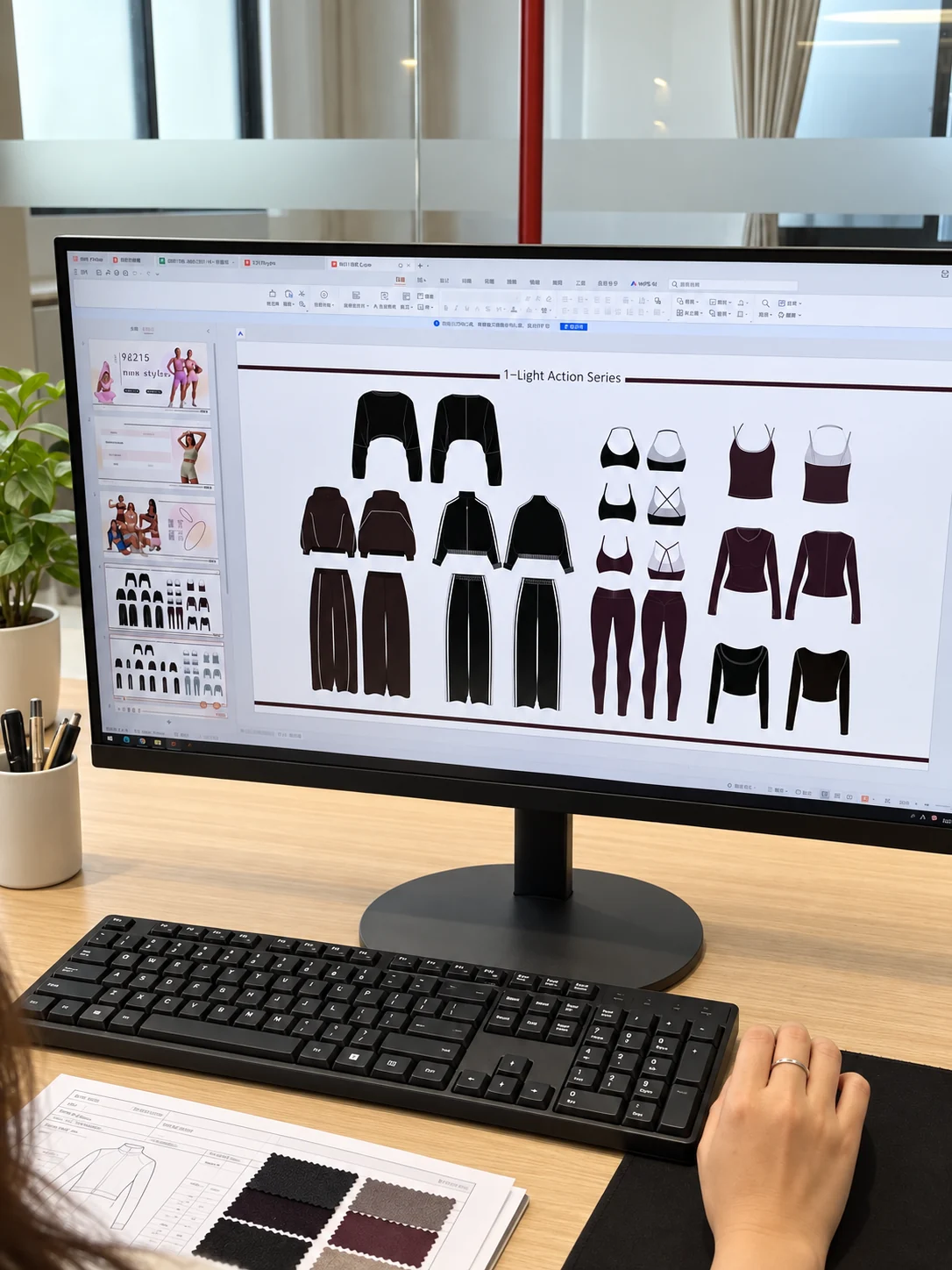
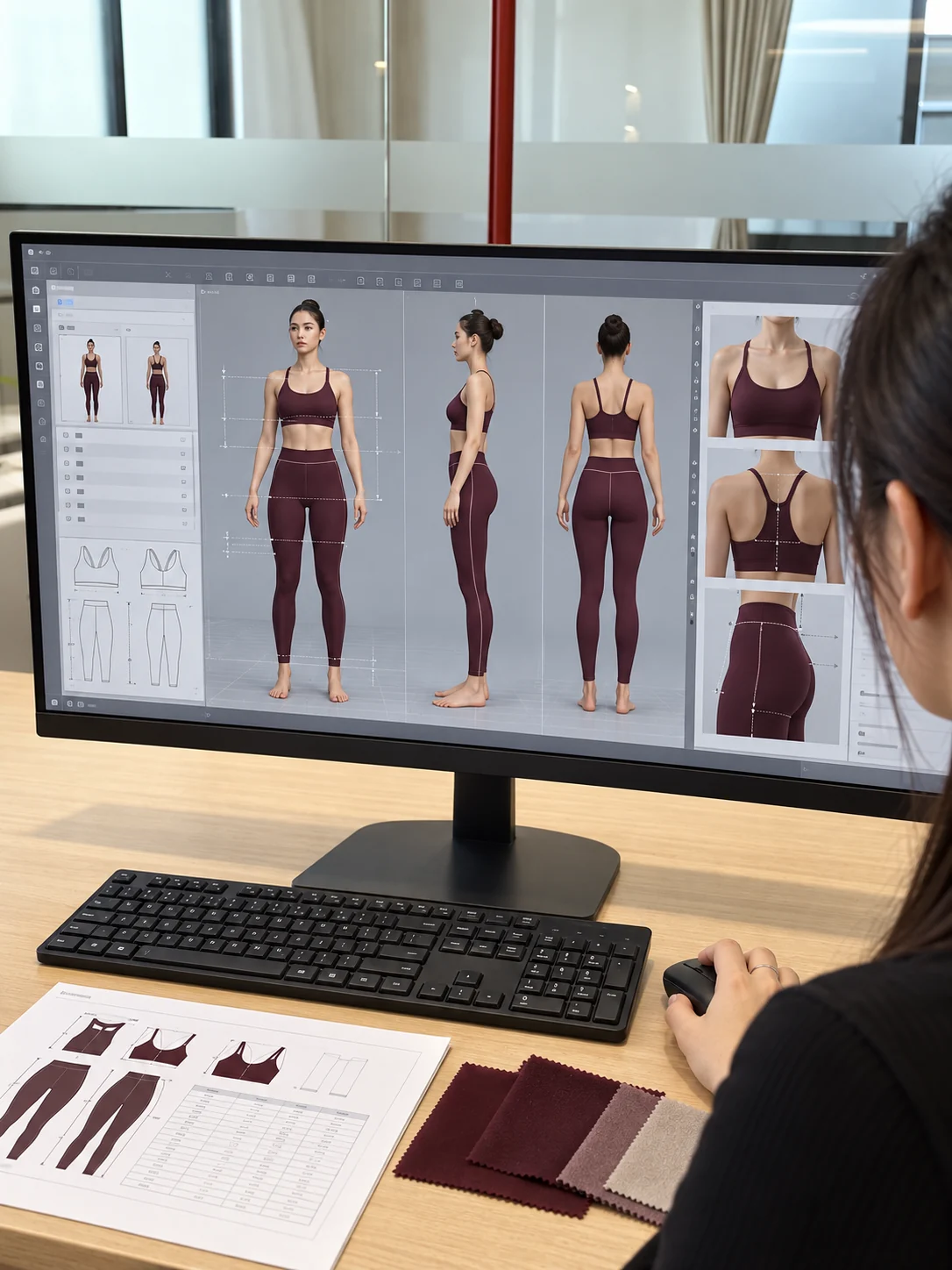
PLAN WITHProduct brief and technical review
APPROVE WITHSample and bulk handoff checklists
DELIVER WITHPackaging and shipment details
01 / DISCOVERReview Product DirectionsBrowse current styles, categories and colour options.
02 / PREPAREBuild the Project BriefOrganize product, material, commercial and timing inputs.
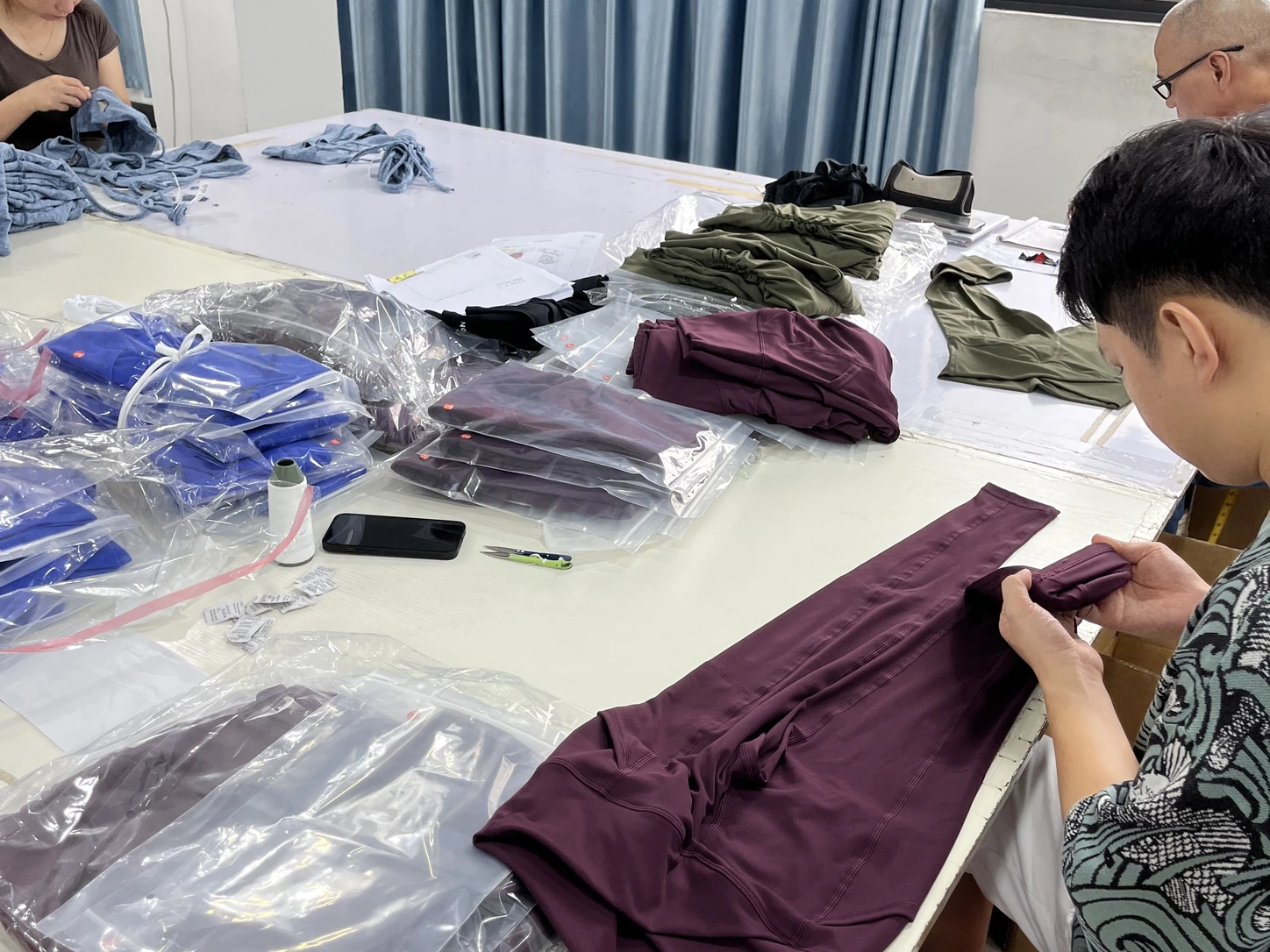
03 / APPROVERecord Sample DecisionsCapture measurements, fit, workmanship and revisions.
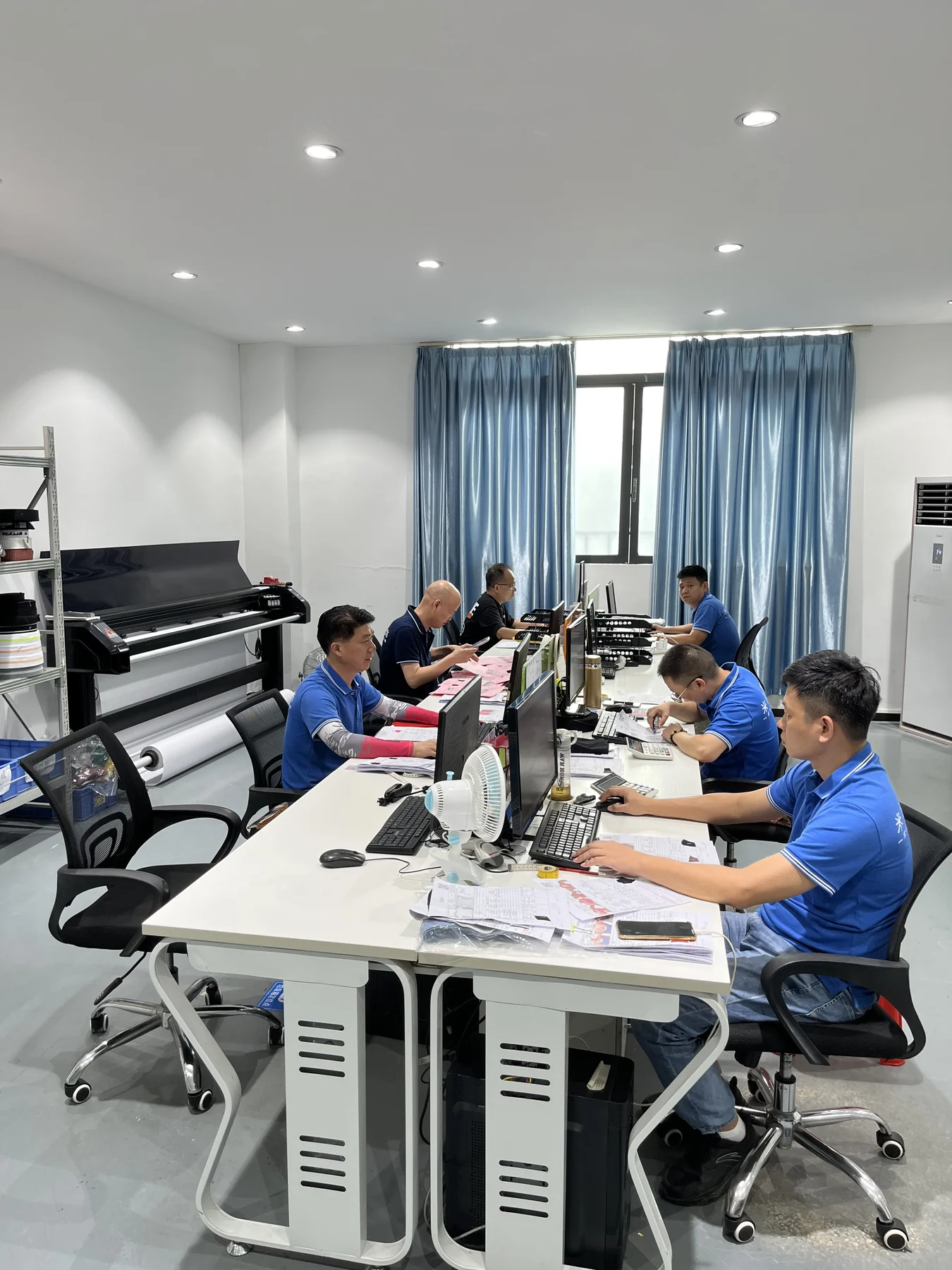
04 / HANDOFFConfirm Bulk & DeliveryConnect approved requirements with packing and shipment.
TOOLS FOR CLEARER COMMUNICATION
Turn Scattered Notes Into a Reviewable Project.
These tools help buyers collect the information a factory needs at each stage. They are working templates, not fixed contracts: adjust the fields to your company, market, retailer and product requirements.
TOOLKIT RESOURCES
Choose the Tool for Your Current Stage.
The checklists use editable CSV format, which can be opened in Excel, Numbers or Google Sheets. Add your own approval fields and company requirements before use.
Activewear Product Catalog
Review current product categories, style directions, colours and individual product pages.
Browse products ↗Project Brief Checklist
Collect product, material, order, customization, commercial and delivery inputs.
Member download 🔒Tech Pack Review Checklist
Check drawings, measurements, construction, materials, branding and open approvals.
Member download 🔒Sample Review Checklist
Record fit, measurements, fabric, workmanship, colour, branding and revision decisions.
Member download 🔒Bulk Order Handoff Checklist
Connect approved references, order quantities, quality points and production timing.
Member download 🔒Packaging & Shipping Checklist
Organize garment packs, identification, assortments, cartons, inspection and documents.
Member download 🔒

HOW TO USE THE TOOLKIT
Update the Record as the Project Becomes Clearer.
Early entries may be estimates. Replace assumptions with confirmed references at each approval stage, and keep dated versions so later changes remain visible.
01
Select the Relevant TemplateStart with the stage you are preparing for: enquiry, sample, bulk or shipment.
02
Complete What Is KnownMark flexible items, fixed requirements and information still awaiting review.
03
Attach Supporting ReferencesUse drawings, photos, samples, colour standards, artwork or order data.
04
Record Decisions & OwnersIdentify who approves each item and note the accepted reference or action.
05
Save the Approved VersionUse a dated version for the next handoff and retain previous comments for traceability.
WHAT THE TOOLS RECORD
Four Types of Information in Every Handoff.
Good project records connect the product with its commercial assumptions and show what has been approved, what remains open and who owns the next action.
Style, materials, measurements, construction, colour and customization.
Quantity, size mix, target timing, destination and packing structure.
Sample version, colour reference, artwork, comments and decision date.
Open question, responsible party, required reference and due date.
WHY USE A CHECKLIST
Make Requirements Easier to Review and Repeat.
A checklist cannot replace technical judgment or a contract. It helps expose missing information and gives teams a consistent starting point for discussion.
Fewer Missing Inputs
Identify unanswered product and order questions before they delay the next stage.
Clearer Approvals
Connect comments with a specific sample, artwork, colour or specification.
Better Handoffs
Carry accepted requirements from development into production and packing.
Reusable Records
Create a repeatable structure for later colours, related styles and repeat orders.
BUYER TOOLKIT FAQ
Questions About Using the Resources.
The templates provide a starting structure. Adapt them to your product, market, retailer and contractual requirements.
Do I need a buyer account to download the checklists?
Yes. The files are free for registered buyer accounts and can be edited in common spreadsheet applications. Registration helps keep current catalogues, certificates and project resources in one controlled buyer area. These general tools do not create a quotation, approval or contractual commitment by themselves.
Can we add our own fields and approval process?
Yes. Add buyer-specific owners, dates, retailer requirements, testing, inspection, compliance and document fields that are relevant to your project.
Do these files replace a technical pack?
No. The checklists help organize a review, while a complete technical pack may contain detailed drawings, measurements, construction instructions, bills of materials, artwork and grading information.
Can we send a completed checklist to MIQI?
Yes. A completed checklist can accompany your drawings, photos, samples or technical pack. The team can then identify missing decisions and confirm the appropriate next step.
READY TO REVIEW A PROJECT?
Send the Brief You Have Today.
Use the checklist to organize your product, order and timing requirements, then share it with any supporting references for an initial project review.